 KUWAIT DMA
Description
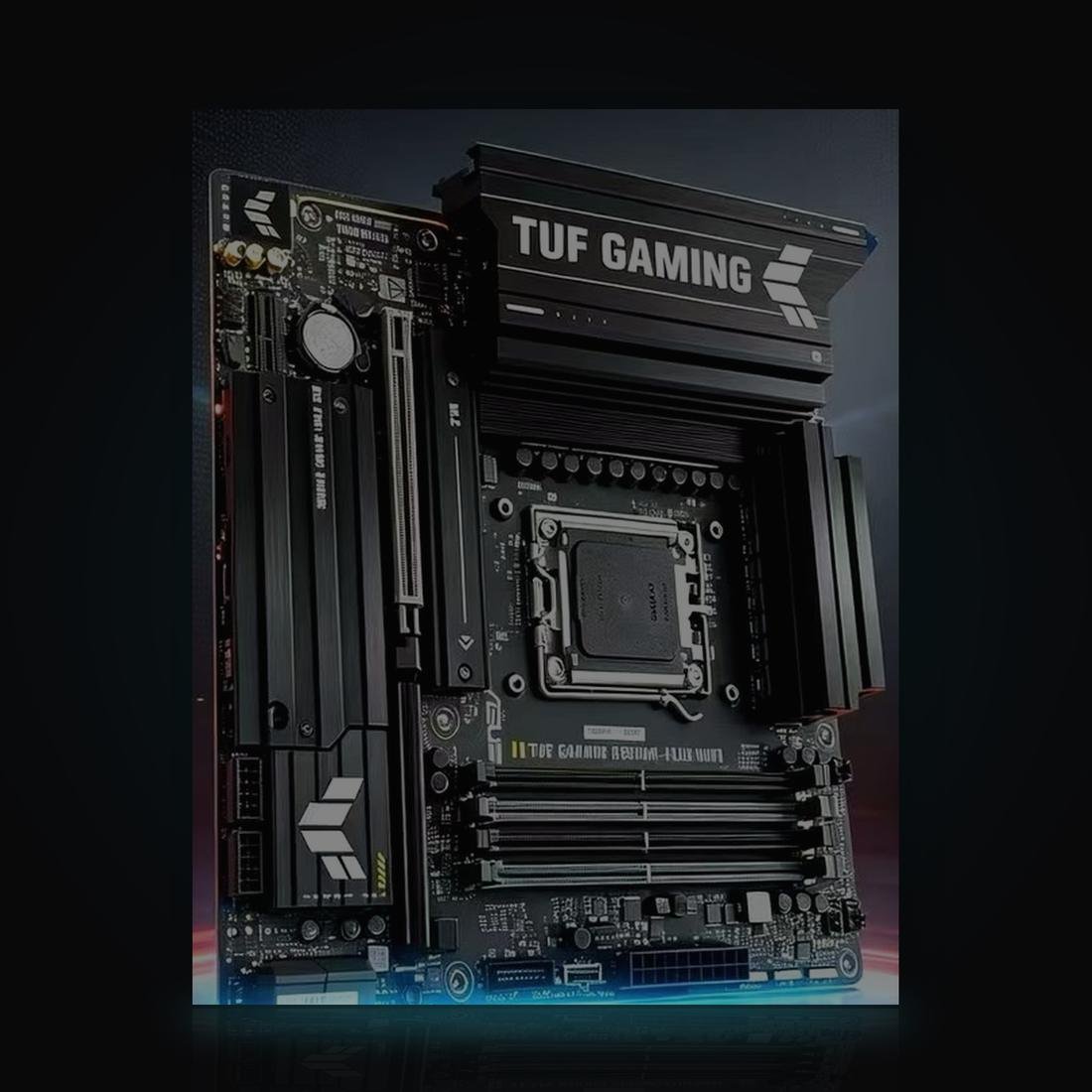
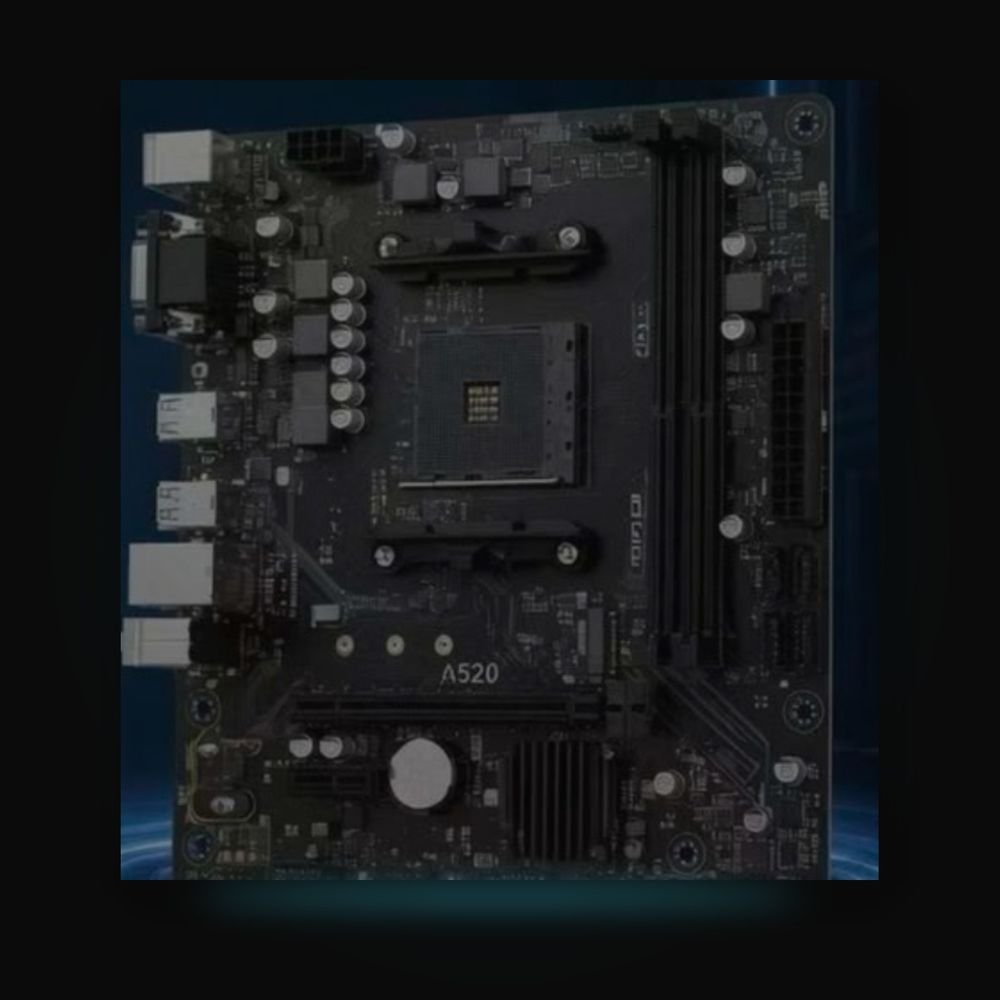
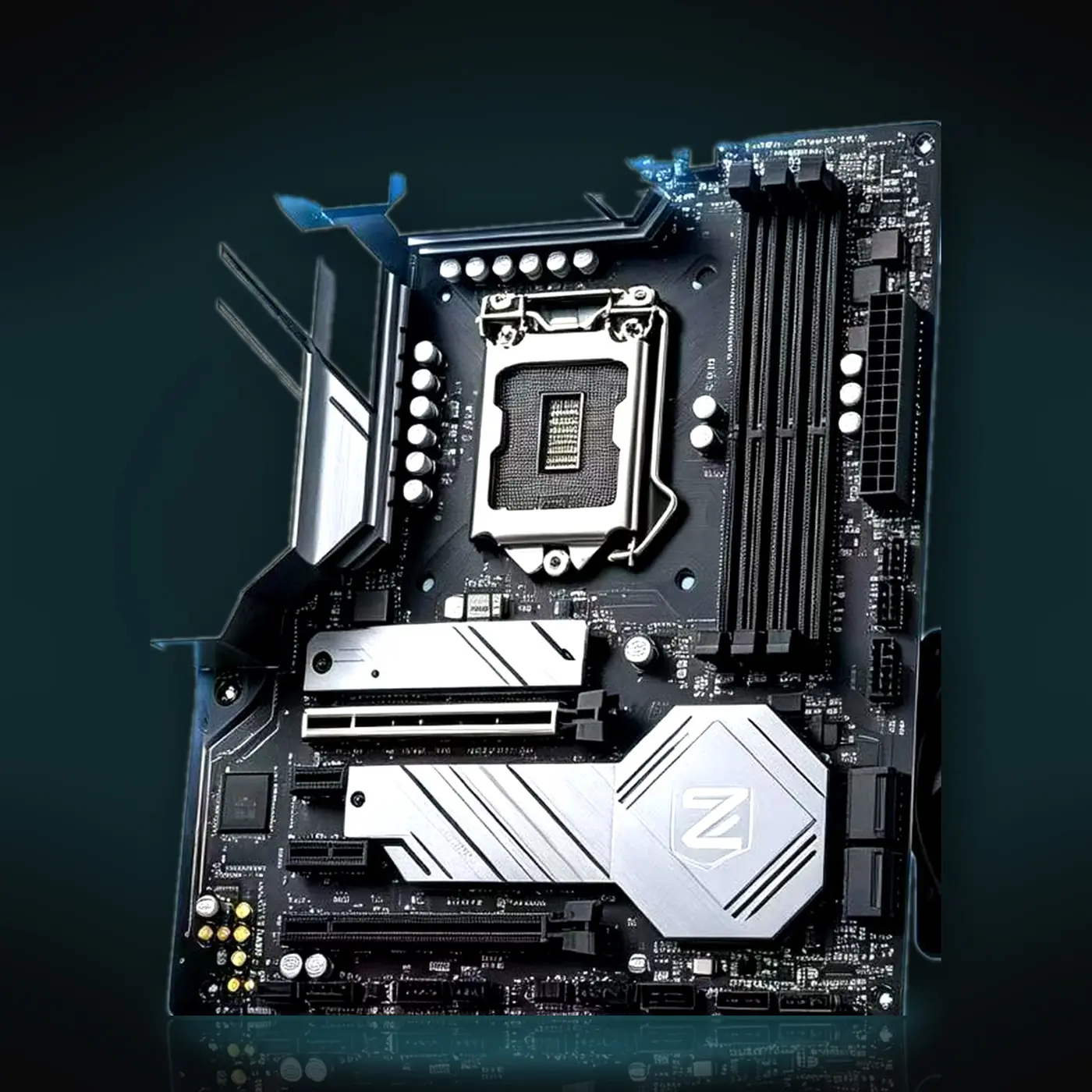
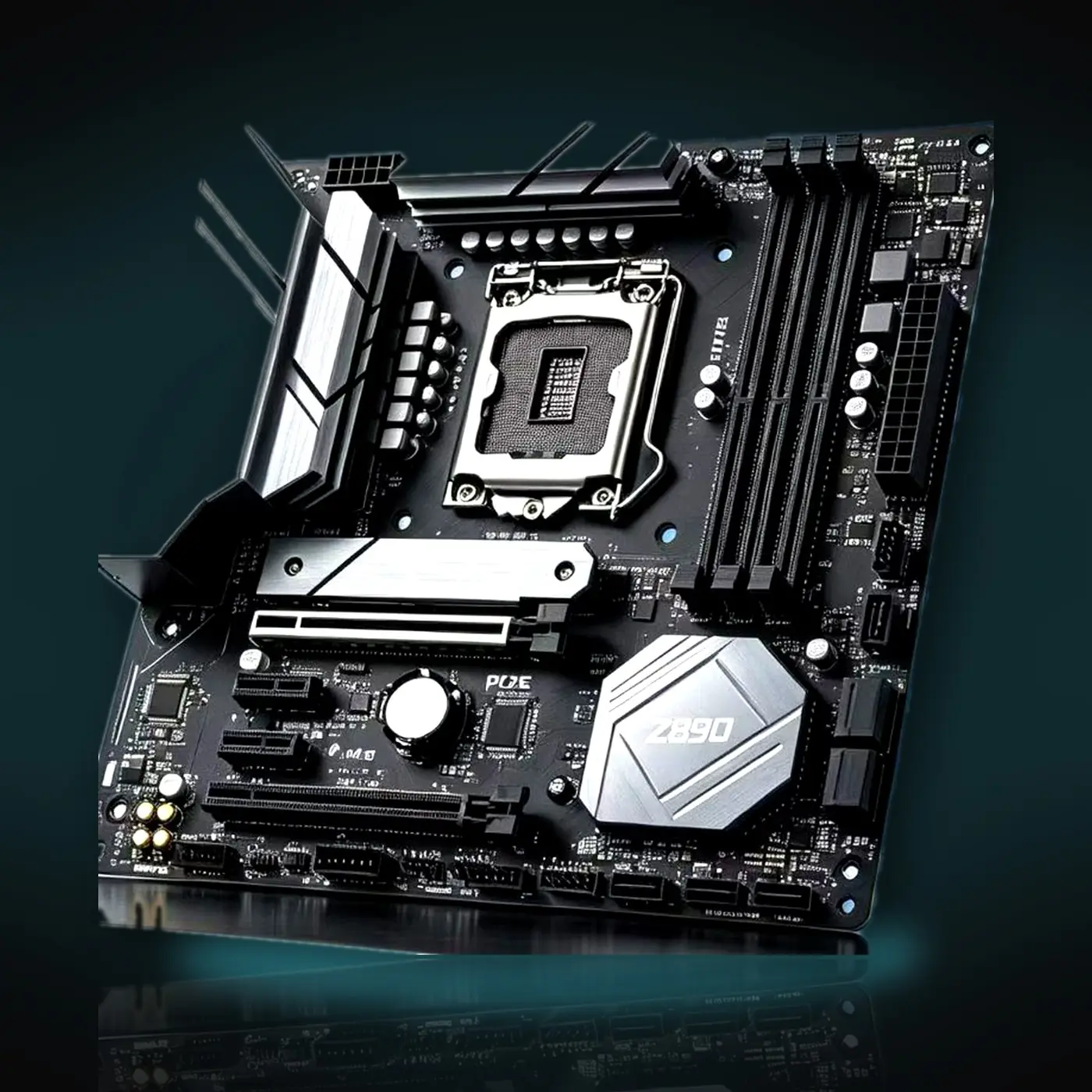
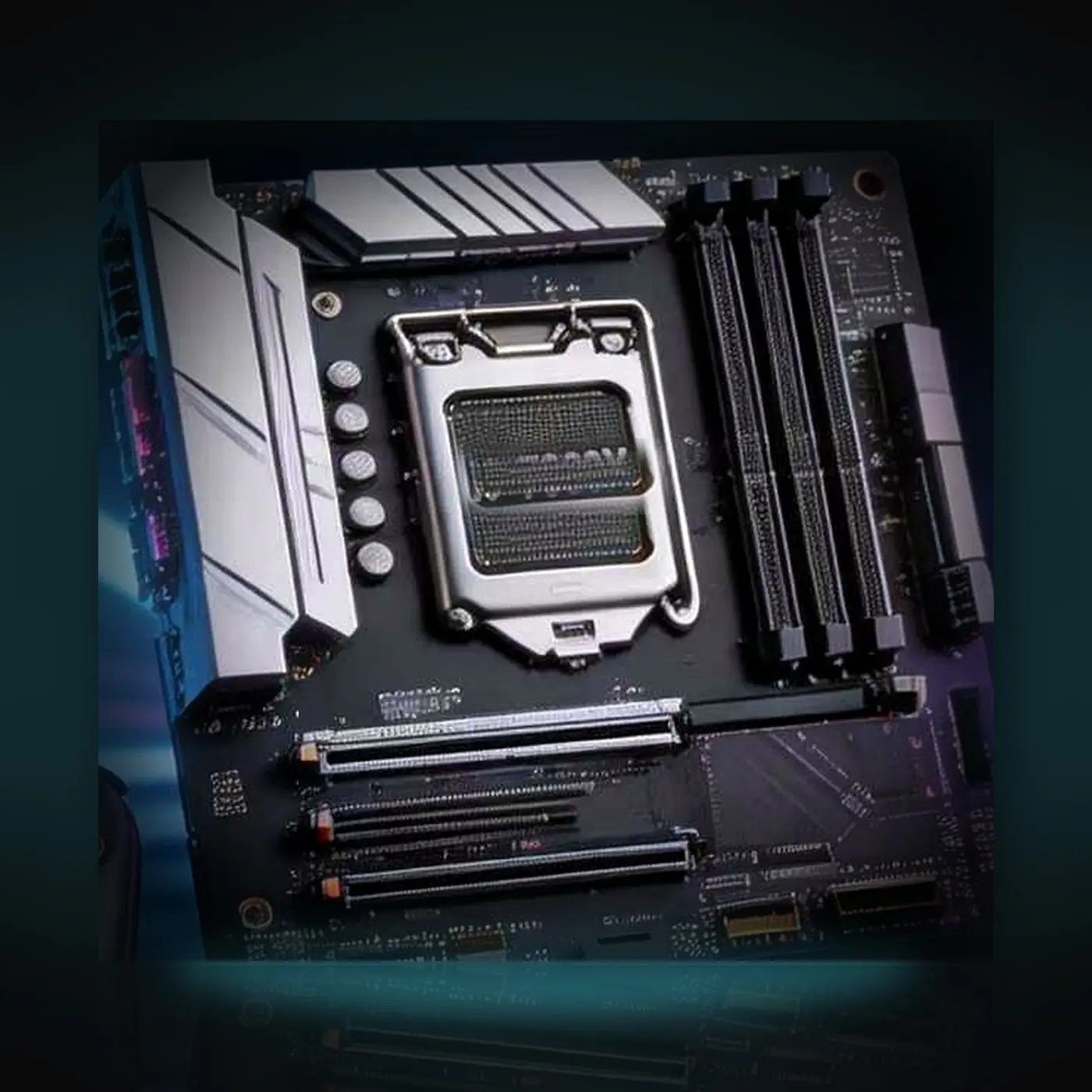
A VT-d ready motherboard for a DMA second PC, available across seven platforms — AMD and Intel, from a 45 KWD entry board up to current-generation DDR5. Pick the one that matches the CPU you already own. On every option the DMA card goes straight into a real PCIe slot: no M.2-to-PCIe riser, no lane splitting, no voltage mods.
Why a direct PCIe slot matters
Most budget DMA builds run the card through an M.2 → PCIe adapter. That adapter is the single most common failure point: poor contact, weak compatibility, and the card dropping out mid-session. A real PCIe slot removes that whole class of problem.
- Direct-plug – the card sits in a real PCIe x16 slot
- Stable – no adapter contact issues, no random drops
- VT-d / IOMMU – handled, which is what DMA needs
- No tinkering – no BIOS voltage edits, no lane splitting
Pick your platform
| Option | Socket | Fits | Memory | Price |
|---|---|---|---|---|
| A520 | AM4 | Ryzen 3000 / 4000 / 5000 | DDR4 | 60 KWD |
| B850M | AM5 | Ryzen 7000 / 8000 / 9000 — 7800X3D, 9800X3D | DDR5 | 123 KWD |
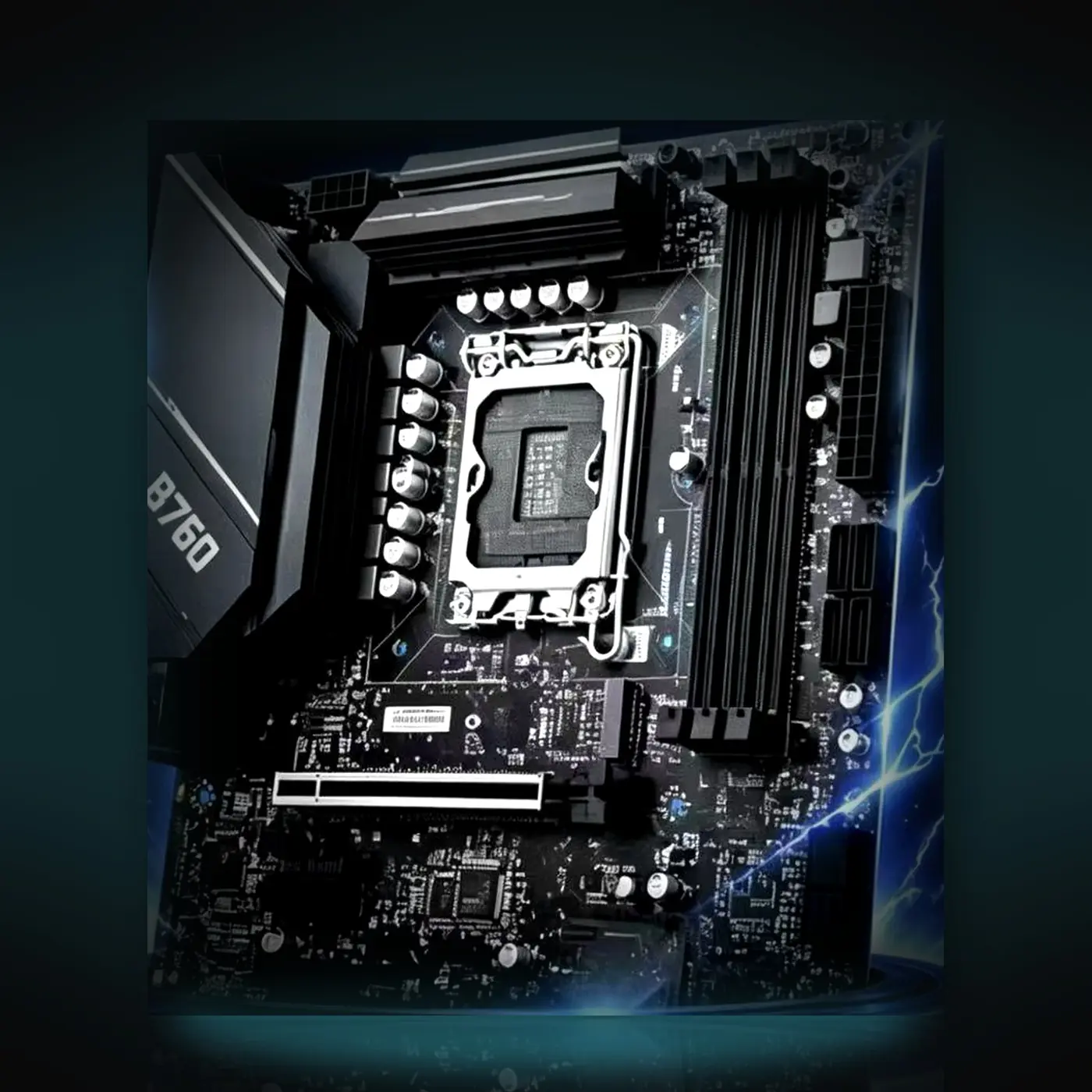
| B760 | LGA1700 | Intel 12th / 13th / 14th gen | DDR4 only | 131 KWD |
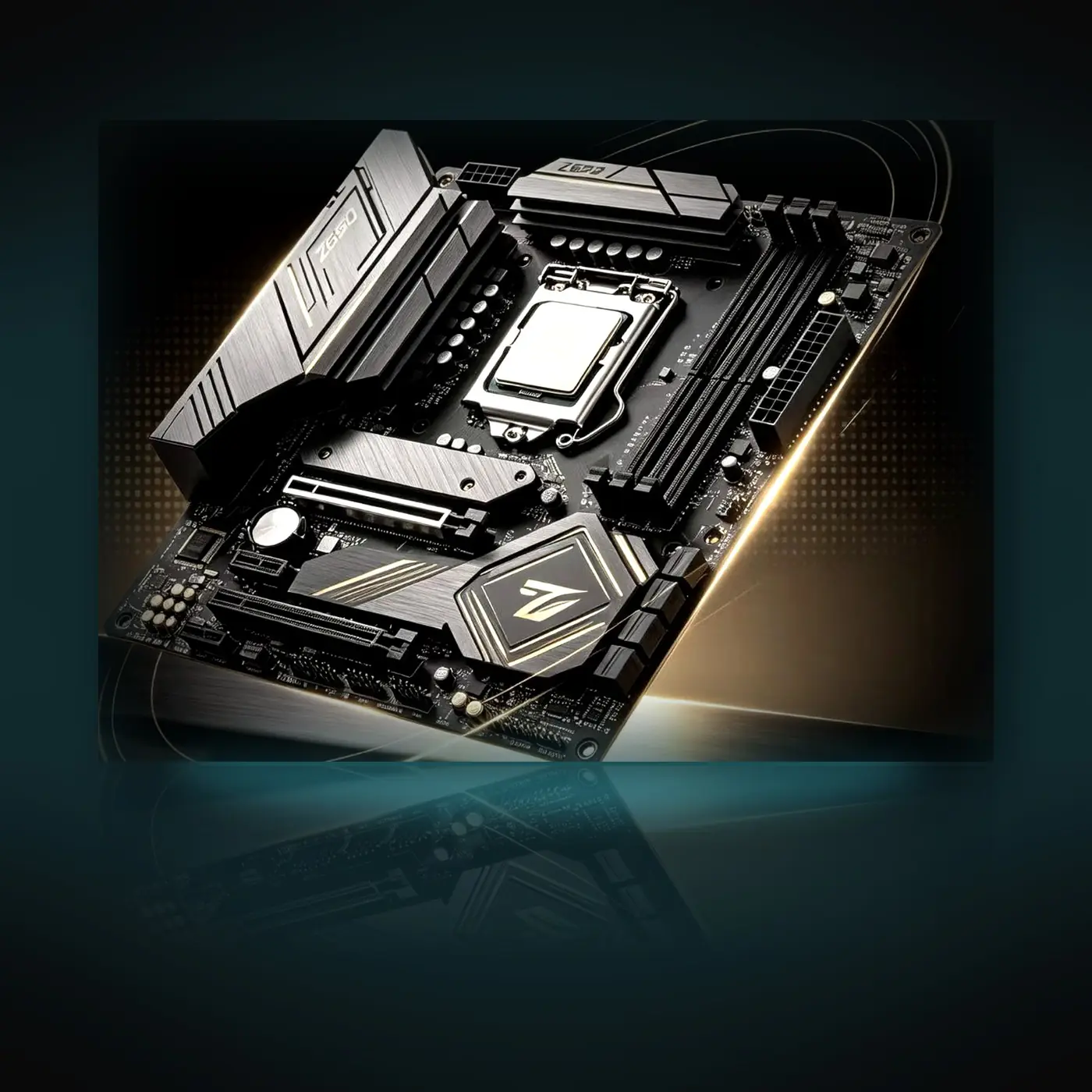
| Z690 | LGA1700 | Intel 12th / 13th / 14th gen — overclocking | DDR4 or DDR5 | 131 KWD |
| Z790 | LGA1700 | Intel 12th / 13th / 14th gen — overclocking | DDR5 | 145 KWD |
| Z890 | LGA1851 | Core Ultra 200S only | DDR5 | 145 KWD |
| X299 | LGA2066 | Core i7 / i9 X-series | DDR4 quad-channel | 45 KWD |
Select an option above and the full detail for that exact board appears with it.
Compatibility FAQ
Does one board fit every CPU?
No. Each socket only accepts CPUs built for it. An AM4 chip will not seat in an AM5 board, and an Intel 14th gen chip will not seat in an LGA1851 board. Check your CPU model before ordering — this is the most expensive mistake buyers make.
AMD quick rule
- Ryzen number starts with 3, 4 or 5 → the AM4 (A520) option
- Ryzen number starts with 7, 8 or 9 → the AM5 (B850M) option
- Ends in G and is a 2000 or 3000 model (2200G, 2400G, 3200G, 3400G) → none of these boards fit
Intel quick rule
- 12th, 13th, 14th gen (i5-12400, i7-13700K, i9-14900K) → B760, Z690 or Z790 — all LGA1700
- Core Ultra 200S (Ultra 5 245K, Ultra 7 265K, Ultra 9 285K) → Z890 only — LGA1851
- Core i7 / i9 X-series (7900X, 10980XE) → X299 only — LGA2066
- 11th gen and older → none of these boards fit
Important: Z890 does not take 12th / 13th / 14th gen
Z890 uses the LGA1851 socket and only accepts Core Ultra 200S processors. Some supplier material claims it supports 12th to 14th gen — that is incorrect. Those chips are LGA1700 and will not physically fit. If you are on 12th to 14th gen, choose B760, Z690 or Z790.
B760 takes DDR4, not DDR5
This particular B760 board is the DDR4 version. If your memory is DDR5, pick Z790 or Z890 instead.
Z690 comes in two memory versions
Z690 exists as a DDR4 board and a DDR5 board. Tell us which memory you own when you order and we will send the matching one.
Can I move my current parts across?
Yes, as long as the socket and the memory type match. CPU, cooler, drives, power supply and case all carry over. Coolers are usually the exception that just works — AM4 and AM5 share mounting holes, and LGA1700 coolers often ship with the right bracket.
After swapping boards, plan on a clean Windows install on the second PC. It is the safest start and takes a few minutes.
In the box
- 1 × motherboard in your chosen platform
CPU, RAM, storage, PSU and case are not included. Not sure which one you need? Send us your exact CPU and memory on Discord and we will tell you which option fits before you pay.